Recraft V4.1AI SVG Vector Generator
Type a prompt and Recraft V4.1 draws it as clean, path-based SVG vectors or a raster image. Pick V4.1 Vector for logos, icons, stickers and illustrations you can open and edit in Figma, Illustrator or Inkscape.
Opens the workspace with Recraft V4.1 selected. The exact credit cost is shown before you generate. See pricing
Why SVG output
Real vector files, not flattened pixels
V4.1 Vector and V4.1 Pro Vector return path-based SVG files with no embedded bitmap, so the output behaves like artwork you drew yourself in a vector editor.
Scales without blur
The same SVG stays sharp on a favicon, a web banner and a printed poster. No re-rendering at a bigger size, no pixelation.
Editable in vector tools
Open the file in Figma, Illustrator or Inkscape and change shapes, colors and paths directly instead of redrawing.
Small, clean files
Path data is usually much lighter than a high-resolution raster, and it stays readable in code review or a design system.
Made for graphic work
Logos, icon sets, stickers, badges and flat illustrations are exactly the jobs where a vector format beats pixels.
Variants and credits
Four ways to run Recraft V4.1
All variants take a text prompt and one of five aspect ratios: 1:1, 4:3, 3:4, 16:9 or 9:16. No reference image upload.
| Variant | Output | Credits | Best for |
|---|---|---|---|
| V4.1 VectorSVG | One editable SVG per run | 25 | Logos, icons, stickers and flat illustrations you want as vectors |
| V4.1 Pro Vector | One SVG, finer shapes and detail | 90 | Vector artwork with denser paths and more intricate detail |
| V4.1 Standard | Raster image | 8 | Cheap raster drafts and quick idea checks |
| V4.1 Pro | Raster image | 12 | Higher-quality raster images at a modest cost |
Credits are charged per generation. Check the exact cost in the workspace or on the pricing page before you run. See pricing
Made with Recraft V4.1 Vector
SVG examples and the prompts behind them
Each file below was generated from a single prompt and is delivered as a real .svg file. Open one, copy its prompt and make it yours.
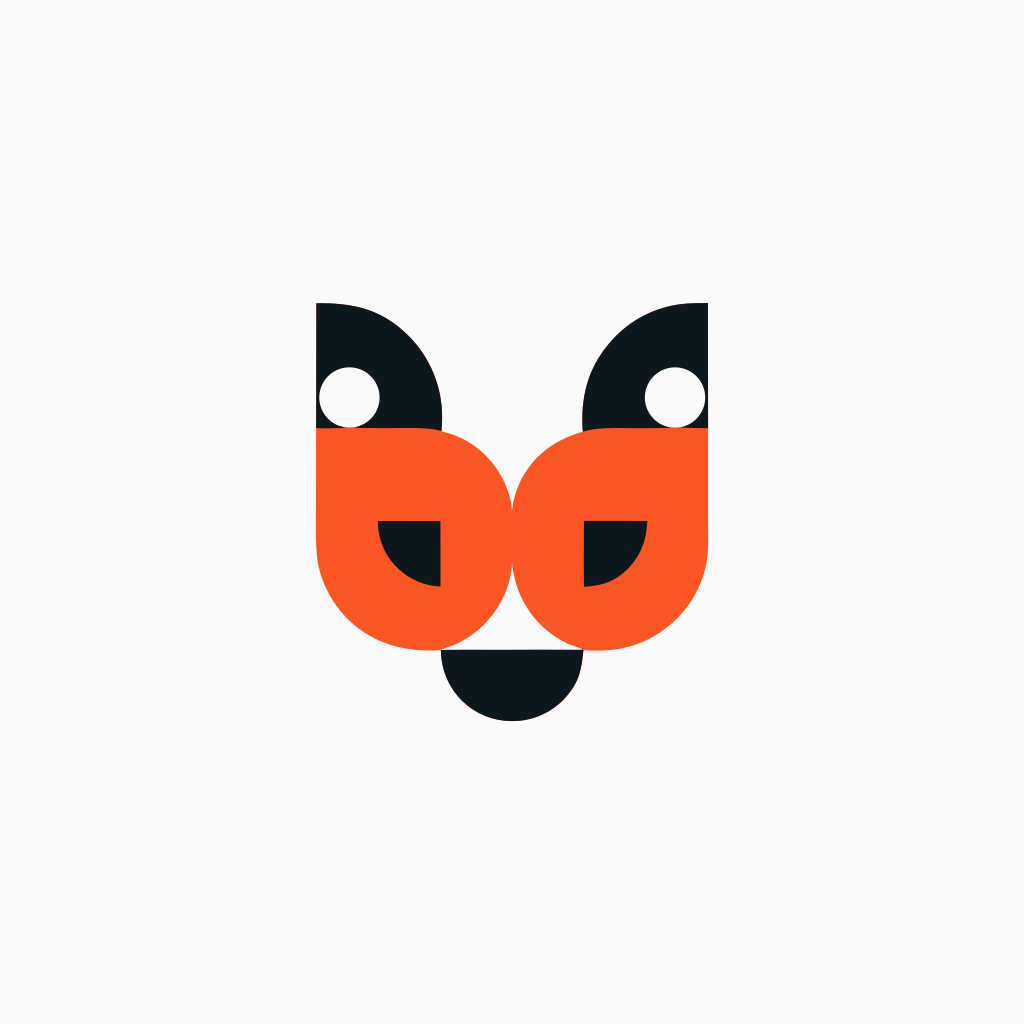
Geometric fox logo
A two-tone flat vector mark built from clean geometric shapes with negative space.
Show prompt
Minimal geometric fox head logo for a coffee roastery, flat vector, two-tone orange and charcoal, clean negative space, centered mark, no text
Six-icon app set
A consistent flat icon family on rounded pastel tiles, produced as one vector sheet.
Show prompt
Set of six flat vector app icons in a 3x2 grid: camera, music note, map pin, chat bubble, calendar, shopping bag; rounded square tiles, soft pastel palette, consistent 2px stroke style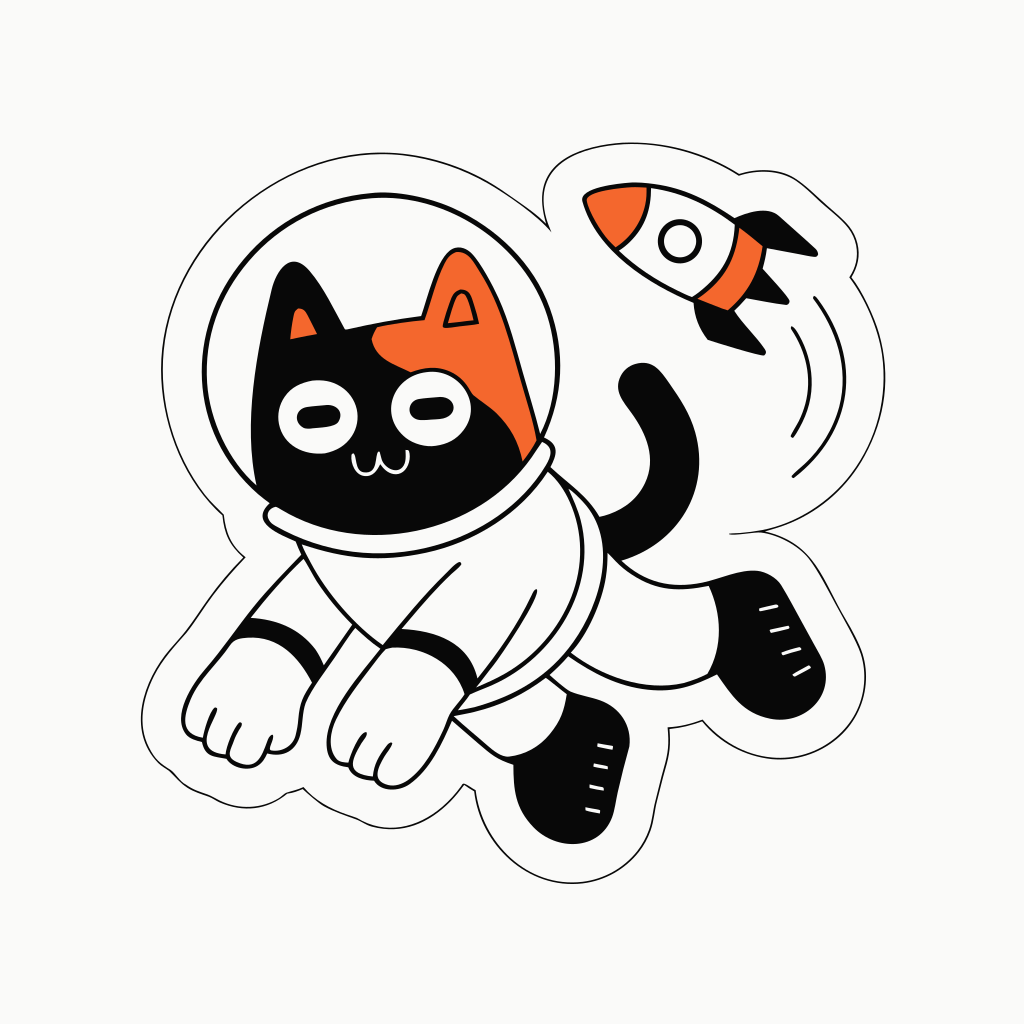
Astronaut cat sticker
Bold outlines, flat colors and a white sticker border in a playful vector illustration.
Show prompt
Cute sticker of an astronaut cat floating with a small rocket, bold outlines, flat colors, white sticker border, playful vector illustration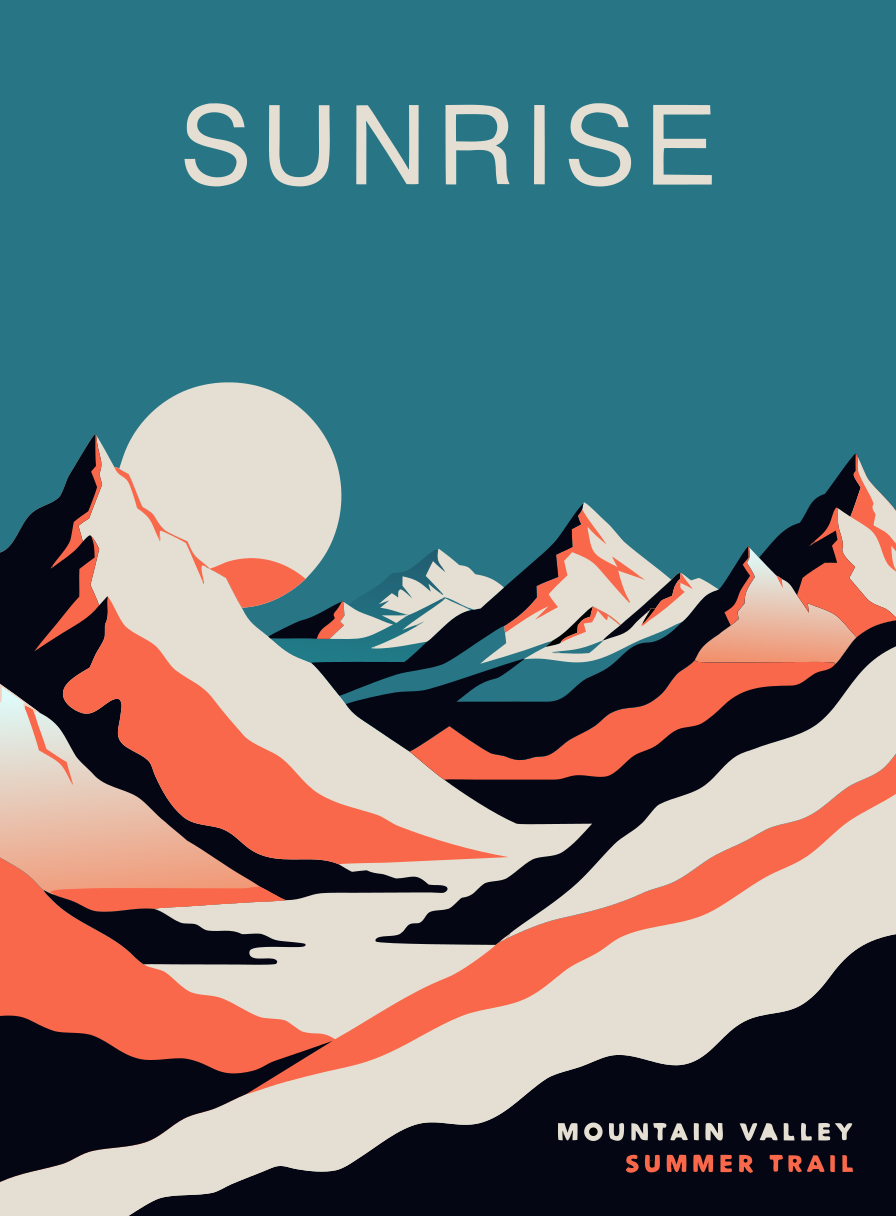
Retro travel poster
Layered mountains in a limited teal, cream and coral palette, kept as flat vector shapes.
Show prompt
Retro travel poster vector illustration of layered mountains at sunrise with a lake, limited palette of teal, cream and coral, flat shapes, subtle grain-free gradientsHow it works
From prompt to SVG in three steps
- 01
Write your prompt
Describe the artwork: subject, style, palette and whether it is a logo, icon, sticker or illustration.
- 02
Pick a variant and ratio
Choose V4.1 Vector for SVG output and pick one of the five aspect ratios that fits your layout.
- 03
Generate and download
Run the generation in the workspace, review the result and download the .svg file to edit anywhere.
Prompt tips
How to prompt for clean vectors
The vector variants reward graphic language. A few habits make the difference between usable paths and noisy output.
- Ask for flat colors and a limited palette, for example "three colors" or "two-tone".
- Name the format: say "logo", "icon", "sticker" or "flat vector illustration".
- Keep shapes simple: words like "geometric", "minimal" and "bold outlines" help.
- Avoid photorealism, skin, fur detail and photographic lighting in vector prompts.
- Avoid long strings of text; ask for "no text" unless you need a short word or two.
- Mention use context like "app icon grid" or "centered mark" to guide composition.
What is Recraft V4.1?
Recraft V4.1 is a design-focused image model. On this site it comes in four variants: two text-to-vector variants that produce real SVG files and two text-to-image variants that produce raster images.
Is the result a real SVG file?
Yes. The Vector variants return path-based SVG files with no embedded bitmap. You download the .svg file itself, not a screenshot or a raster preview.
How many credits does it cost?
V4.1 Vector costs 25 credits per run, V4.1 Pro Vector 90, V4.1 Standard 8 and V4.1 Pro 12. The exact cost is shown in the workspace before you generate.
What is the difference between V4.1 Vector and V4.1 Pro Vector?
Both return an editable SVG. Pro Vector produces finer shapes and more intricate path detail, which suits complex artwork; it costs 90 credits instead of 25.
Can I edit the SVG in Figma or Illustrator?
Yes. Because the output is real vector paths, you can open it in Figma, Illustrator, Inkscape or any SVG-compatible tool and edit shapes, colors and points.
Is this the official Recraft site?
No. Z Image Turbo is an independent service that gives you access to Recraft V4.1 through an API provider. It is not affiliated with or endorsed by Recraft.
Start creating
Turn a prompt into an editable SVG
Open the workspace with Recraft V4.1 Vector selected and download your first vector file in minutes.
Recraft and Recraft V4.1 are trademarks of their respective owners. Z Image Turbo is an independent service and is not affiliated with or endorsed by Recraft.