
Image workspace
AI Image Tools for Real Creative Work
Move from a prompt or source image to a usable result. Generate new images, remove backgrounds, transform references, and edit selected areas in one workspace.
Remove a backgroundChoose an image task
Each tool opens the workflow built for that job, with upload, generation, preview, and download controls.

Background Remover
Cut out products, portraits, and graphics and export a transparent result.
Open remover
Image to Image AI
Use a source image and a prompt to create a controlled visual variation.
Transform an image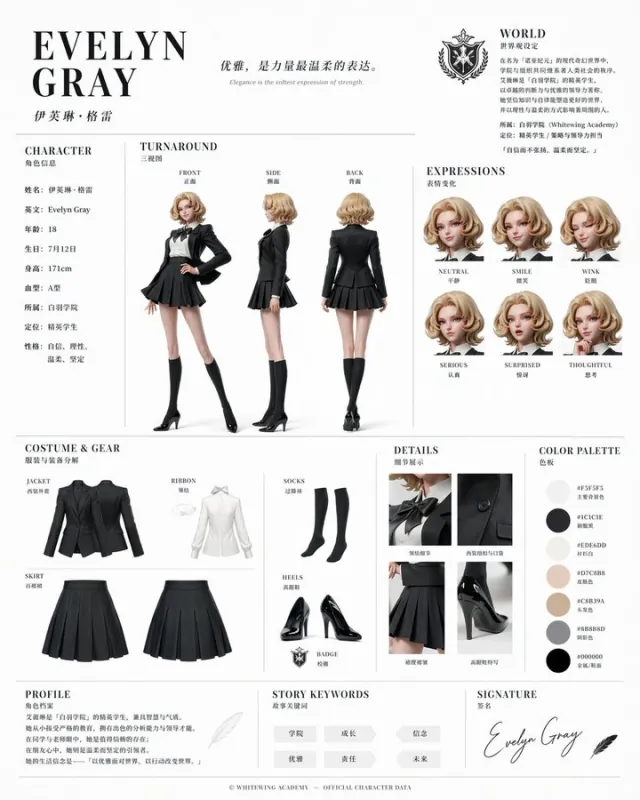
AI Image Editor
Mask an area, describe the change, and regenerate only the part that needs work.
Edit an image
Text to Image
Create an original image from a written prompt with the multi-model generator.
Start generatingTranslate images to Russian
Translate text in photos, screenshots and posters into Russian, directly in the image. Supports JPG, PNG and WebP.
Translate images to RussianPick the model after the task
Start with the job you need to finish, then compare models and prompts inside the workspace.
AI image tools FAQ
Which AI image tool should I use?
Use Background Remover for transparent cutouts, Image to Image AI for variations, AI Image Editor for local changes, and Text to Image for a new composition.
Do these tools run in the browser?
Yes. The upload, settings, preview, and download workflow is available in a modern browser without a local model installation.
Do image tools use credits?
Credit use depends on the selected operation and model. The workspace shows the current cost before a generation starts.
Start with the task in front of you
Open a focused tool now, then move between generation and editing without rebuilding your workflow.