Motion Control Mimic
title
subtitle
upload_image
upload_image_tip
upload_video
upload_video_tip
quality_label
quality_tip
demo_title
demo_desc
demo_ai_disclosure
1 demo_step_image
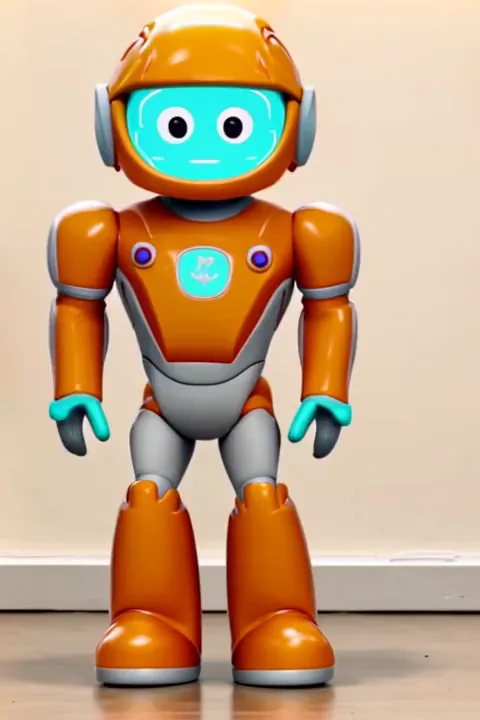 demo_label_image
2 demo_step_video
3 demo_step_result
Turn a still subject into a natural animation by applying motion from a reference clip.
Why use it?
Motion from video
Use a reference clip to guide pose, timing, and body movement instead of writing a long prompt.
Quality control
Choose 360p, 540p, or 720p output depending on your draft, social, or production needs.
Duration-based credits
Pricing follows the selected quality: 20, 40, or 60 credits per second.
How it works
Upload image
Add the target image whose subject should follow the motion.
Upload motion clip
Add a reference video and wait for duration detection to estimate credits.
Generate and download
Pick quality, start processing, preview the result, and download the video.
FAQ
It transfers motion from a reference video onto a target image to create an animated video from a still subject.
Credits are calculated per second of the reference motion video, so the uploader needs to detect its length.
Use 360p for quick drafts, 540p for balanced previews, and 720p when you need a sharper result.
Use a clear subject image and a short motion clip where the action is easy to read.