Generate 9 different camera angle shots from a single image using Kling V1 AI.
Tips for Best Results
- Upload images with clear, isolated subjects (people, products, characters)
- AI generates 9 unique camera angle shots from your single image
- Perfect for product photography, 3D model previews, and character turnarounds
- Each generation uses 16 credits and produces 9 perspective shots
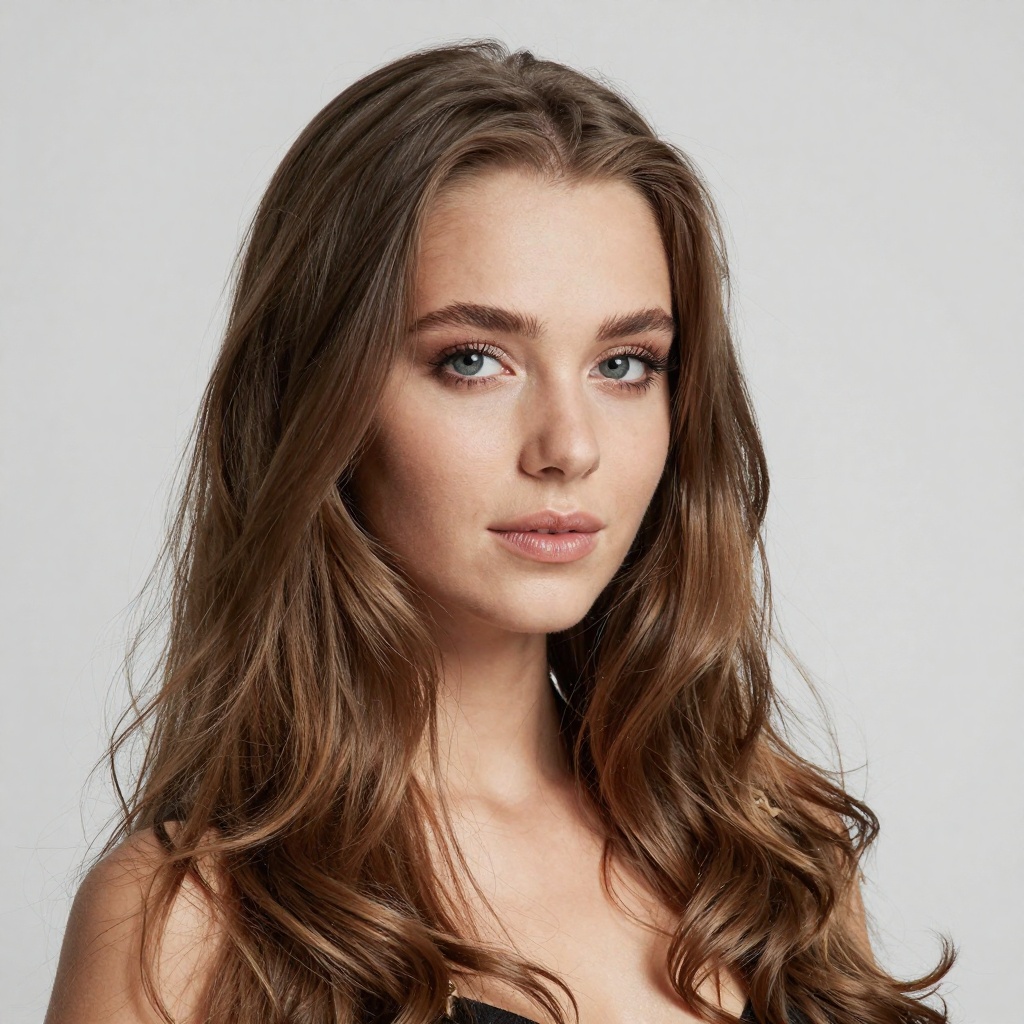


Upload your image on the left to generate multi-angle shots!
title
description
buttonAI Multi-Shot Generator
Transform a single image into 9 different camera angle shots using Kling V1 AI. Perfect for product showcases, character turnarounds, and creating multi-view content.
Powerful Multi-Shot Features
Generate professional multi-angle shots in seconds with our advanced AI technology
9 Camera Angles
Generate 9 unique perspective shots from a single image, simulating multiple camera positions around your subject.
Lightning Fast
Get your multi-shot results in under a minute. Our optimized AI pipeline ensures quick processing without sacrificing quality.
Product Showcase
Perfect for e-commerce product photography. Show your products from every angle without expensive photo shoots.
Character Turnarounds
Ideal for game developers and artists. Generate character turnaround sheets from a single reference image.
High Quality Output
Each generated shot maintains high resolution and detail, suitable for professional use.
Powered by Kling V1 AI
Leveraging state-of-the-art Kling V1 AI technology for realistic and consistent multi-angle generation.
How It Works
Generate multi-angle shots in three simple steps
Upload Your Image
Upload any image with a clear subject. Works best with products, characters, or objects against simple backgrounds.
AI Processing
Our Kling V1 AI analyzes your image and generates 9 unique camera angle perspectives automatically.
Download Results
Download all 9 generated shots individually or use them directly in your projects.
Perfect For
Discover how businesses and creators use AI Multi-Shot
E-commerce Products
Game Characters
Fashion Items
Digital Art
App Icons & Assets
Furniture Showcase
Jewelry Display
Vehicle Views
Frequently Asked Questions
Everything you need to know about AI Multi-Shot
Ready to Create Multi-Angle Shots?
Upload your image and generate 9 professional camera angles in seconds. No photo shoot required.
Try Multi-Shot Now